

Best Budget Mechanical Keyboards for WFH
Why AULA F75 is Chosen (and When You Should Pick Something Else)
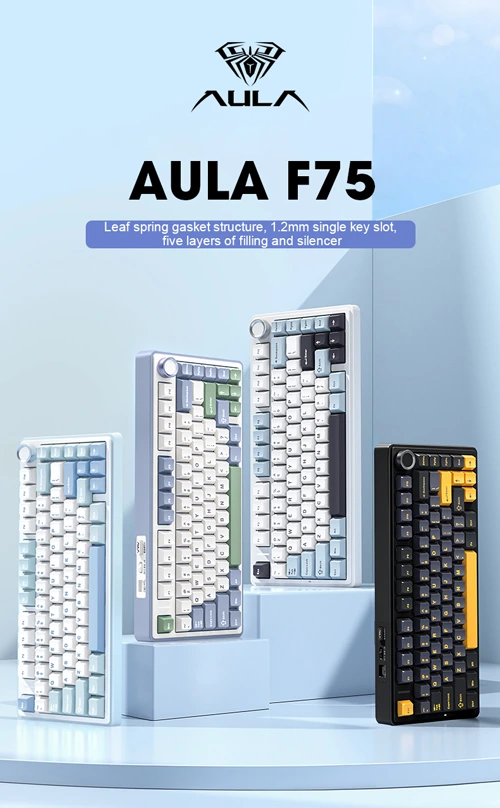
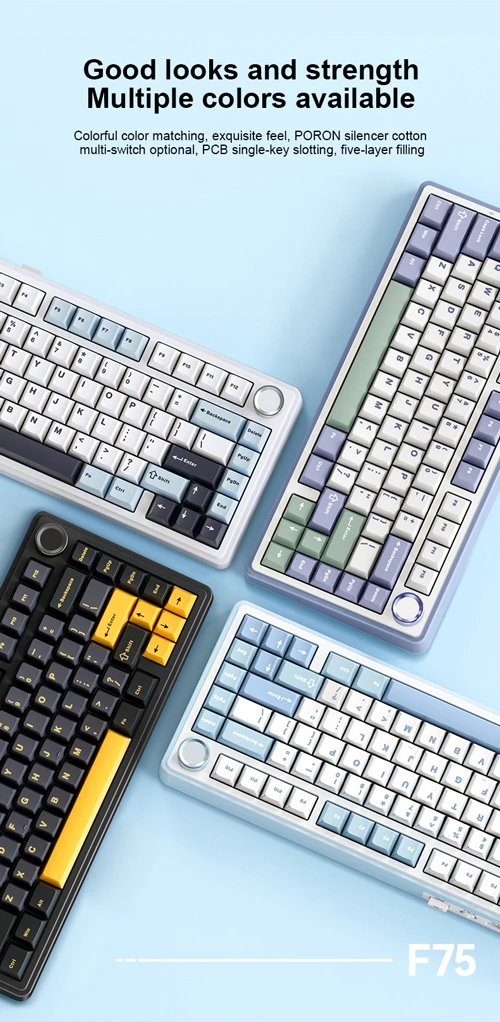
If you’re working from home, your keyboard is not just an accessory. It’s something your fingers touch all day, every day.
That’s why in our Ultimate WFH Desk Setup, we didn’t just pick any mechanical keyboard. We picked one that makes sense for most people, not just keyboard hobbyists.
Pricing & affiliate disclosure:
Prices listed in this guide were checked on 08/01/2026 and may change over time. Some product links are affiliate links, which means this site may earn a small commission at no extra cost to you. All product selections are based on practical use cases and value, not sponsorship.
That keyboard is the AULA F75.
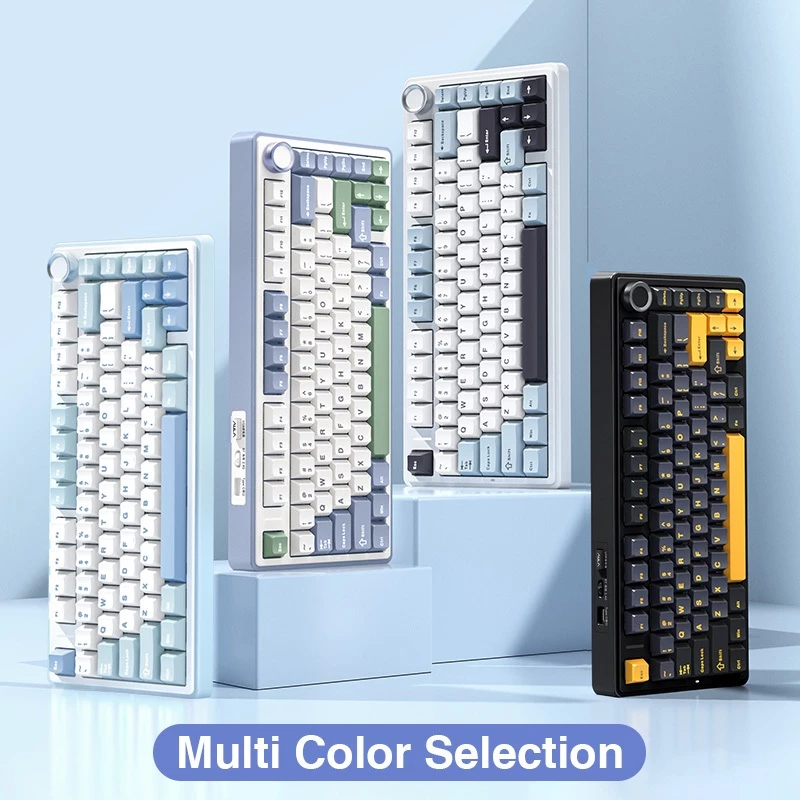
Aula F75 Wireless Keyboard
A compact 75% layout, tri-mode (Wired/BT/2.4G) gaming keyboard featuring premium Gasket structure, hot-swappable switches, and vibrant RGB lighting for peak customization and performance.
RM178.90 · Shopee Malaysia
This article explains:
- Why the AULA F75 was chosen
- What it does well (and what it doesn’t)
- Which alternatives make more sense depending on your desk and work style
Why Mechanical Keyboards Make Sense for WFH (Even on a Budget)
Here’s the short version:
- Better typing feel = less finger fatigue
- More consistent key presses = fewer mistakes
- Longer lifespan than cheap membrane keyboards
You don’t need a RM800 custom board to feel the difference. A good budget mechanical keyboard already gets you most of the benefits.
Why the AULA F75 Is the Default Choice in Our WFH Setup
We didn’t choose the AULA F75 because it’s trendy. We chose it because it solves real WFH problems.
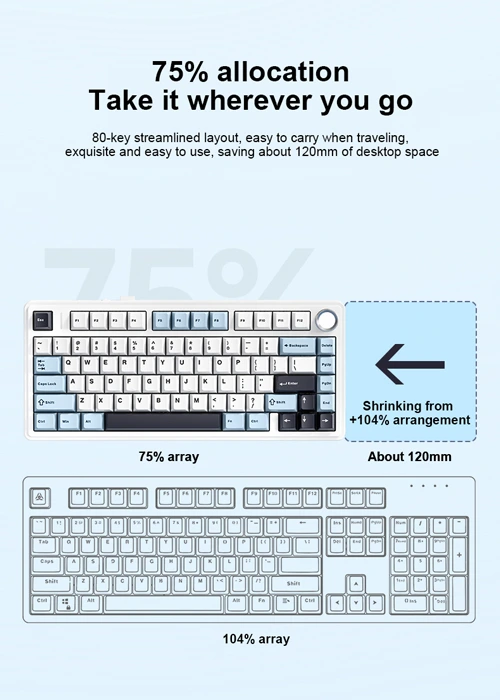
1. A Layout That Doesn’t Get in Your Way (75%)
The 75% layout keeps:
- Arrow keys
- Function row
- Navigation keys
But cuts out the unnecessary bulk.
This matters if you:
- Use spreadsheets
- Do a lot of writing
- Switch between apps all day
You get a smaller keyboard without retraining your fingers.
2. Wireless That Actually Fits WFH Life
The AULA F75 supports:
- Bluetooth
- 2.4GHz wireless
- USB-C wired
This is useful if:
- You switch between laptop and desktop
- You want a cleaner desk
- You hate cable clutter (same)
For WFH, this is more practical than fancy RGB effects.
3. Comfortable Typing Without Modding
At this price, the F75 includes:
- Hot-swappable switches
- Gasket mount design
In simple terms:
- Softer typing feel
- Easier upgrades later
- Less finger fatigue during long workdays
You don’t need to open the keyboard or mod anything. It already feels “good enough” out of the box.
4. Sensible Value, Not Fake Premium
Is it perfect? No.
- Software is basic
- Keycaps are ABS
- Stabilizers are decent, not amazing
But for a one-keyboard-for-work-and-everything-else setup, the trade-offs make sense. That’s why it fits naturally into our Ultimate WFH Desk Setup.
When the AULA F75 Might Not Be for You
Good setups are about fit, not hype.
Skip the F75 if:
- You want the smallest possible keyboard
- You care deeply about typing sound and modding
- You only use one device and don’t need wireless
That’s where alternatives come in.
Good Alternatives to the AULA F75 (Depending on Your Desk)
Royal Kludge RK61 — For Very Small Desks
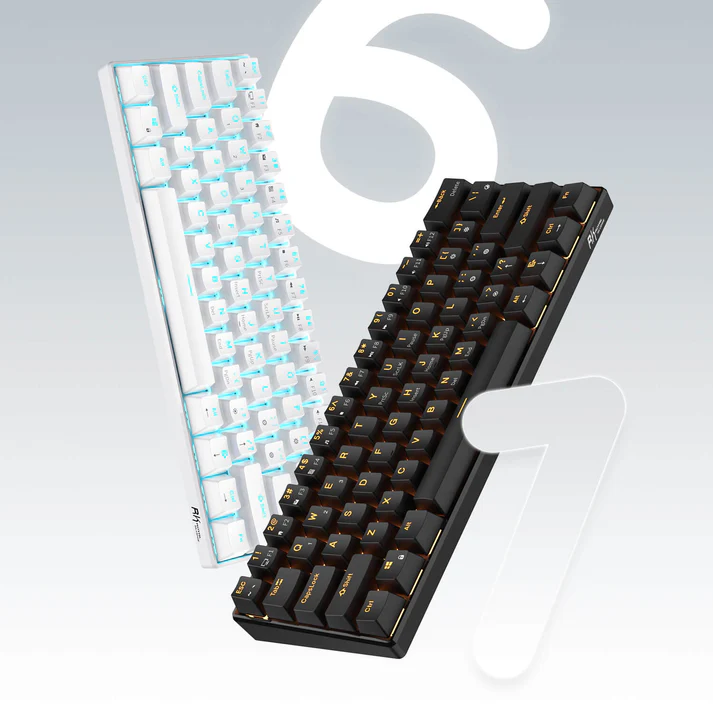

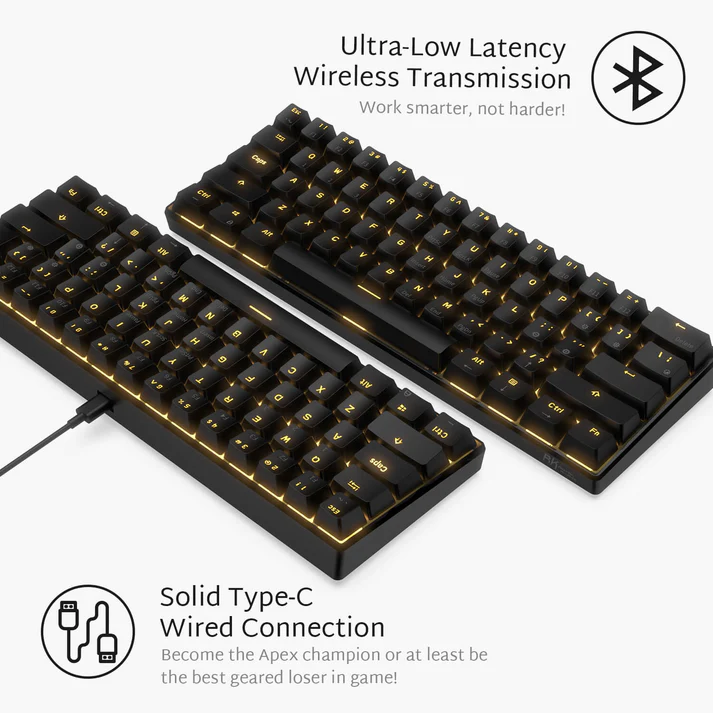
Royal Kludge RK61
Ultra-compact 60% wireless mechanical keyboard with hot-swappable switches, RGB backlighting, and tri-mode connectivity (Bluetooth, 2.4GHz, Wired). Perfect for minimal desk setups and portable productivity.
RM174.99 · Shopee Malaysia
Good if you:
- Want maximum desk space
- Travel with your keyboard
- Mostly type, not navigate spreadsheets
Not ideal if:
- You rely on arrow keys a lot
Royal Kludge RK71 — Compact but More Work-Friendly
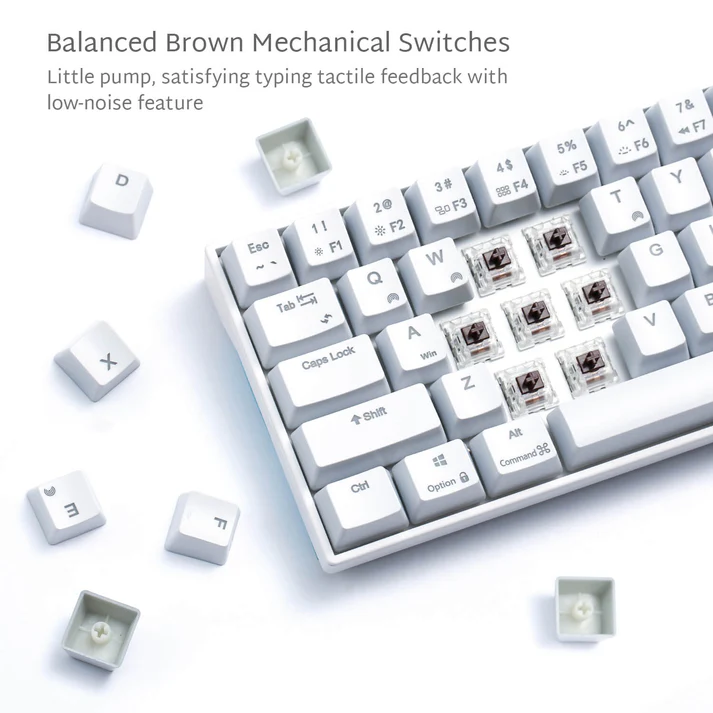
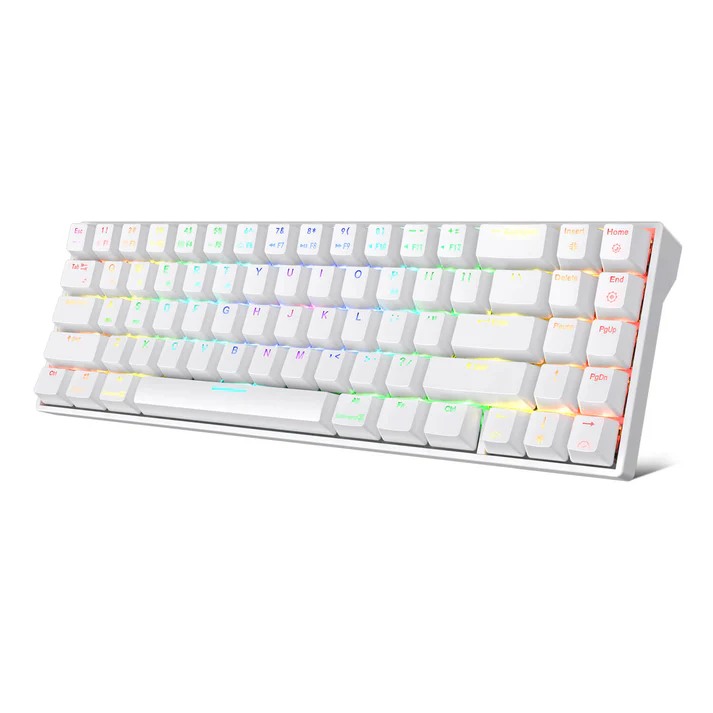
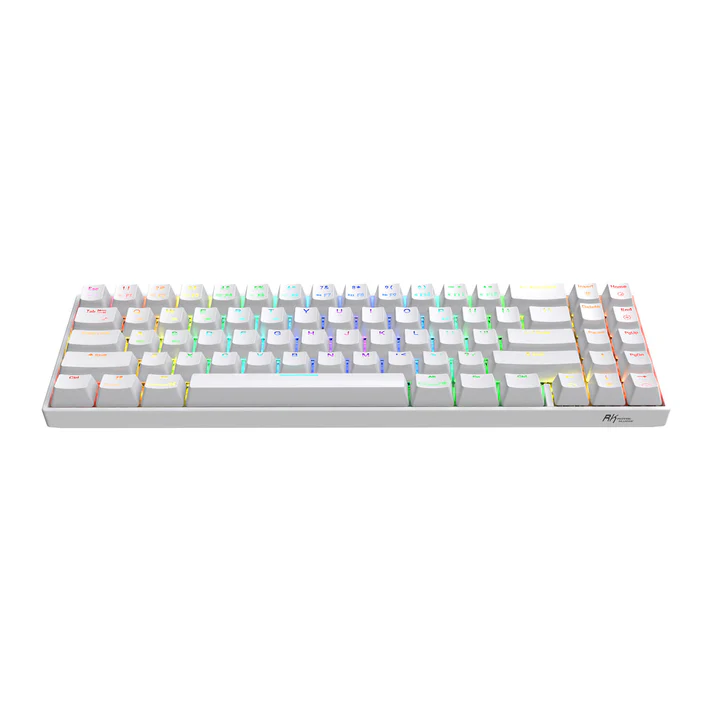
Royal Kludge RK71
Compact 70% mechanical keyboard with dedicated arrow keys, hot-swappable switches, and tri-mode wireless connectivity. Balances space-saving design with essential productivity keys for WFH workflows.
RM320.00 · Shopee Malaysia
Good if you:
- Want smaller than 75%
- Still need arrow keys
- Prefer wireless flexibility
Trade-off:
- Typing feel isn’t as refined as the F75
Redragon K708 — Feature-Rich Alternative
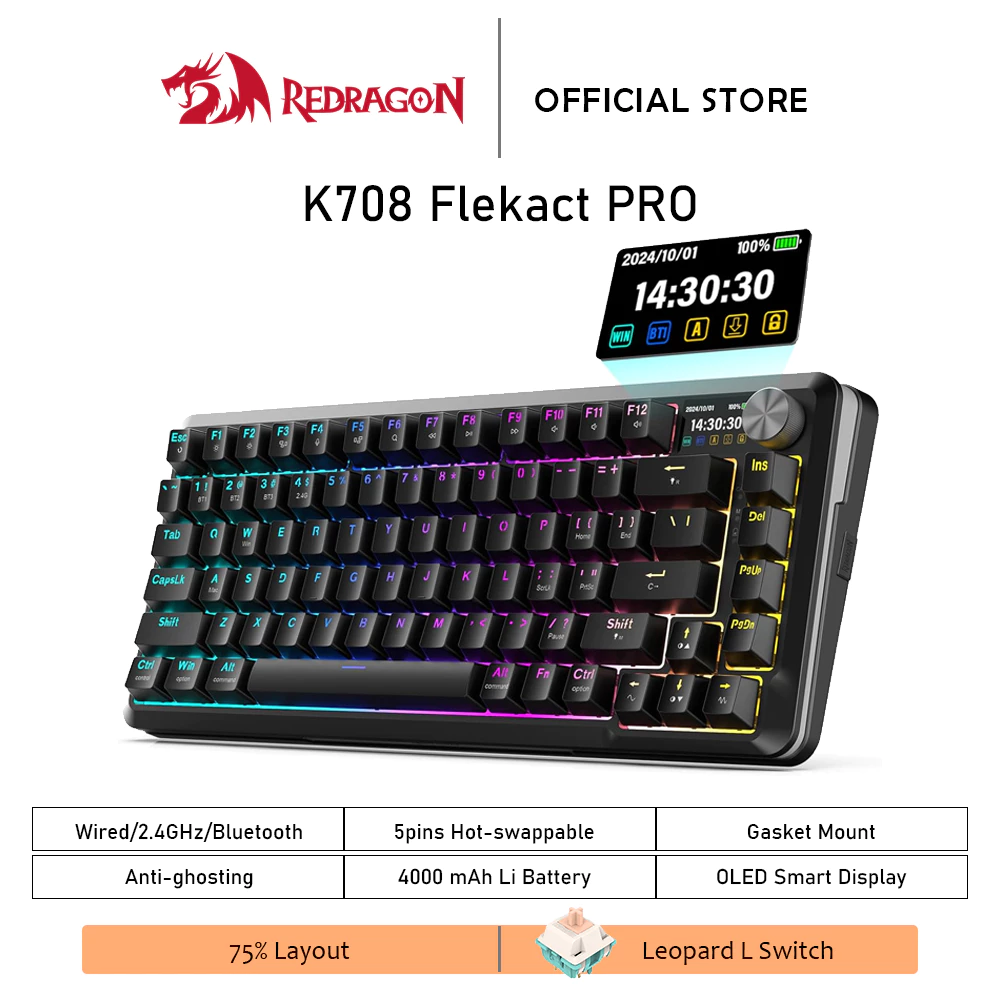
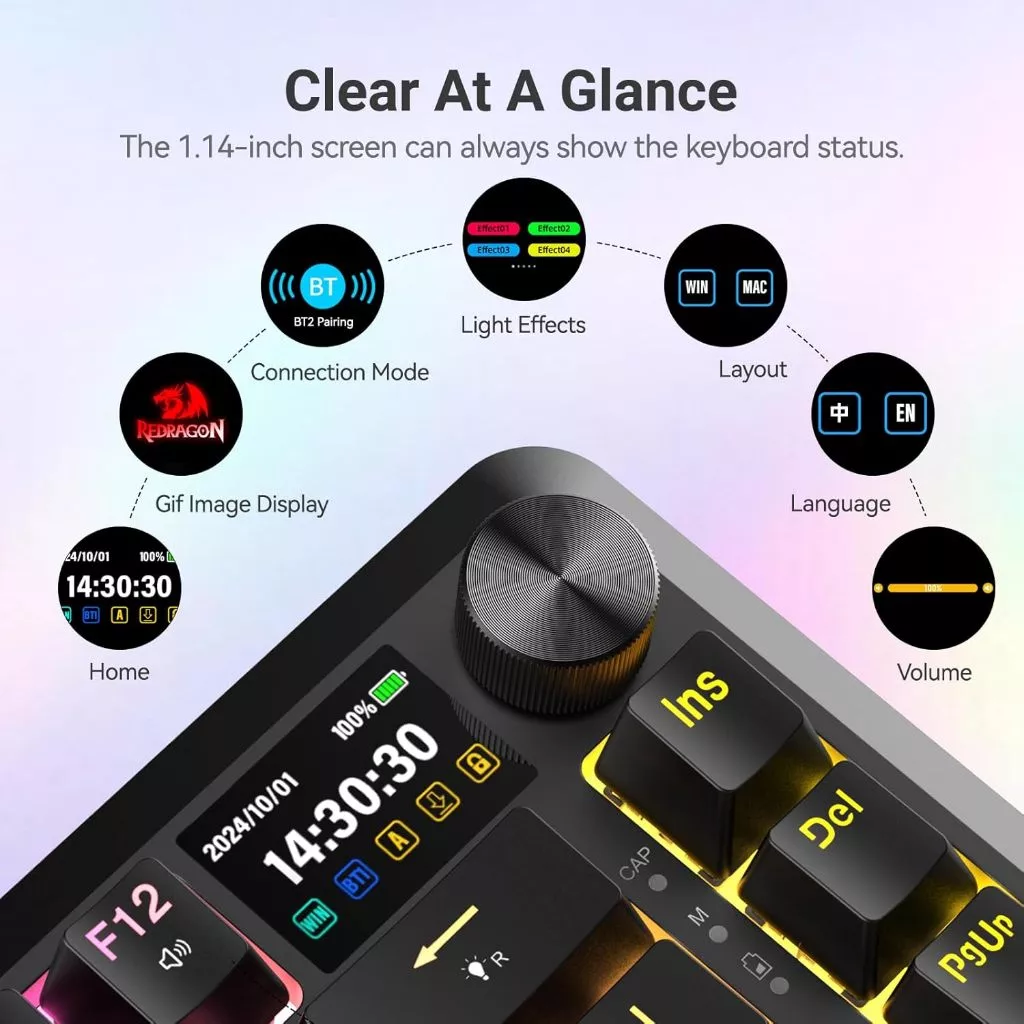
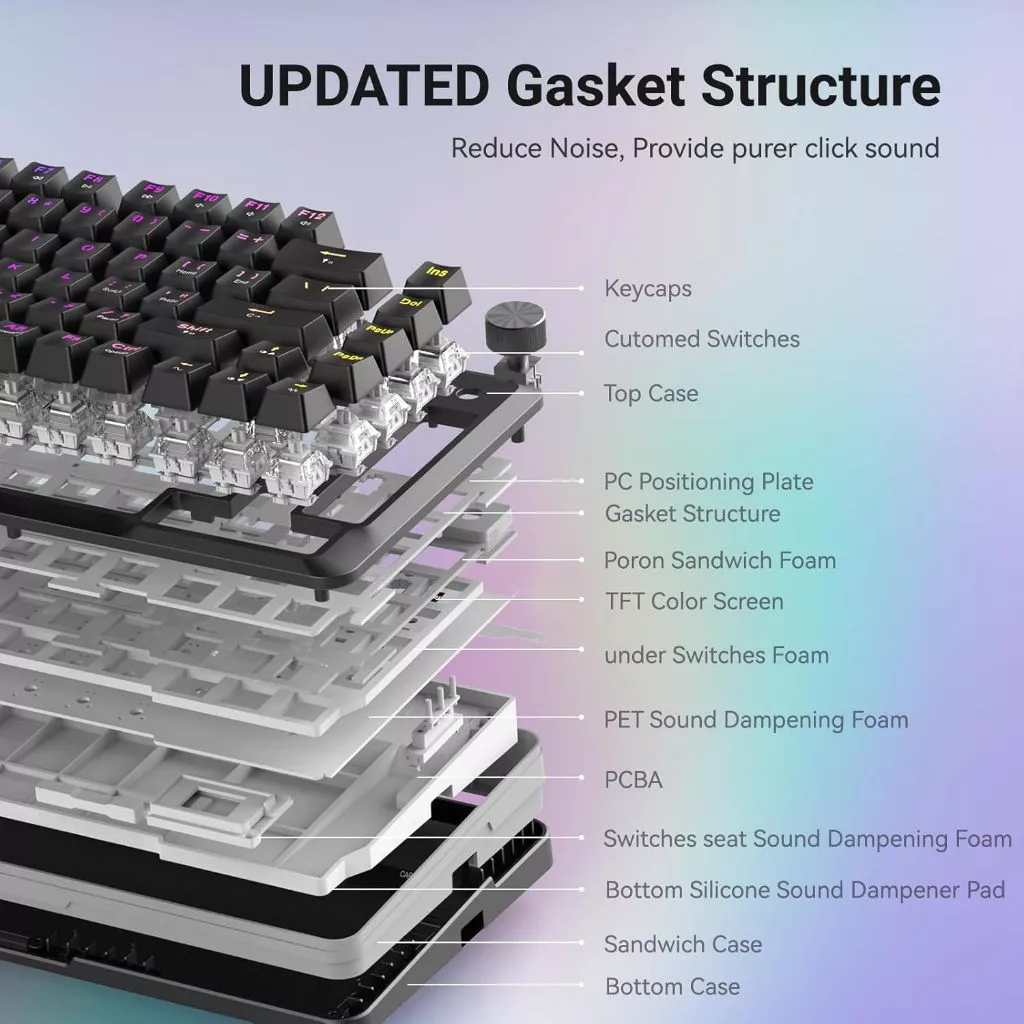
Redragon K708 Flekact Pro
Feature-rich 75% mechanical keyboard with OLED display, rotary knob, gasket mount design, and tri-mode connectivity. Hot-swappable switches and premium build quality for customizable WFH typing experience.
RM210.00 · Shopee Malaysia
Good if you:
- Want a 75% layout similar to AULA F75
- Need tri-mode connectivity for switching between work devices
- Prefer more features without going fully premium
Trade-off:
- More “feature-heavy” design than AULA F75
- Slightly bulkier and less minimalist on the desk
This makes the K708 a practical alternative, not a replacement — suitable if you want more controls and flexibility, but don’t mind extra visual presence.
Quick Comparison: AULA F75 vs Alternatives
| Keyboard | Layout | Wireless | Hot-Swap | Best For |
|---|---|---|---|---|
| AULA F75 | 75% | BT + 2.4G | Yes | Balanced WFH setup |
| RK61 | 60% | BT + 2.4G | Yes | Minimal desks |
| RK71 | ~65% | BT + 2.4G | Yes | Compact productivity |
| Redragon K708 | 75% | BT + 2.4G + Wired | Yes | Feature-rich WFH alternative |
Price Updates
Price Update (January 2026):
The AULA F75 has increased from RM60 to RM179 since our initial publication. While this significantly changes its value proposition, it still offers excellent features for the price. If the new price exceeds your budget, consider the Royal Kludge RK61 (RM175) or wait for promotional sales.
Frequently Asked Questions
What is considered a budget mechanical keyboard today?
A budget mechanical keyboard typically costs under RM250–RM300 and still offers real mechanical switches, solid build quality, and basic features like anti-ghosting. At this price point, you should expect functional performance rather than premium materials or advanced customization.
Are budget mechanical keyboards good enough for work-from-home use?
Yes. Many budget mechanical keyboards are more than sufficient for WFH, especially for typing, coding, and general office tasks. While they may lack premium sound dampening or software, they still provide better typing feedback and durability than most membrane keyboards.
Which switch type is best for office or WFH typing?
For WFH and office use, tactile (Brown) or linear (Red) switches are the safest choices. Brown switches provide light feedback without being loud, while Red switches are smooth and quiet. Clicky (Blue) switches are generally not recommended for shared spaces or video calls.
If you want to learn more about how different switch types work, Das Keyboard’s mechanical keyboard guide breaks down the technical differences.
Are budget mechanical keyboards noisy during video calls?
They can be, depending on the switch type and desk setup. Keyboards with Red or Brown switches are usually quiet enough for calls, especially with a desk mat or wrist rest. Avoid clicky switches if noise is a concern.
Is wireless worth it for budget mechanical keyboards?
Wireless is worth considering if you want a cleaner desk setup or use multiple devices. Modern budget wireless keyboards are stable for daily work, though they may require occasional charging. Wired keyboards remain the simplest and most reliable option.
What are the main trade-offs when buying a budget mechanical keyboard?
The biggest trade-offs are sound quality, keycap materials, and software polish. Budget keyboards may use ABS keycaps, lighter cases, and simpler firmware, but core typing performance is usually still very good for the price.
Who should not buy a budget mechanical keyboard?
If you are sensitive to typing noise, want premium acoustics, or expect advanced customization out of the box, a budget mechanical keyboard may feel limiting. In that case, a higher-end mechanical keyboard or a high-quality membrane keyboard may be a better fit.
Final Take
The AULA F75 isn’t the “best keyboard in the world”. It’s the right keyboard for most WFH desks.
It balances:
- Comfort
- Wireless flexibility
- Desk space
- Budget
If you want a keyboard that quietly supports your work instead of demanding attention, this is why it appears in our setup. If you want the full context, check out the Ultimate WFH Desk Setup and build from there.