
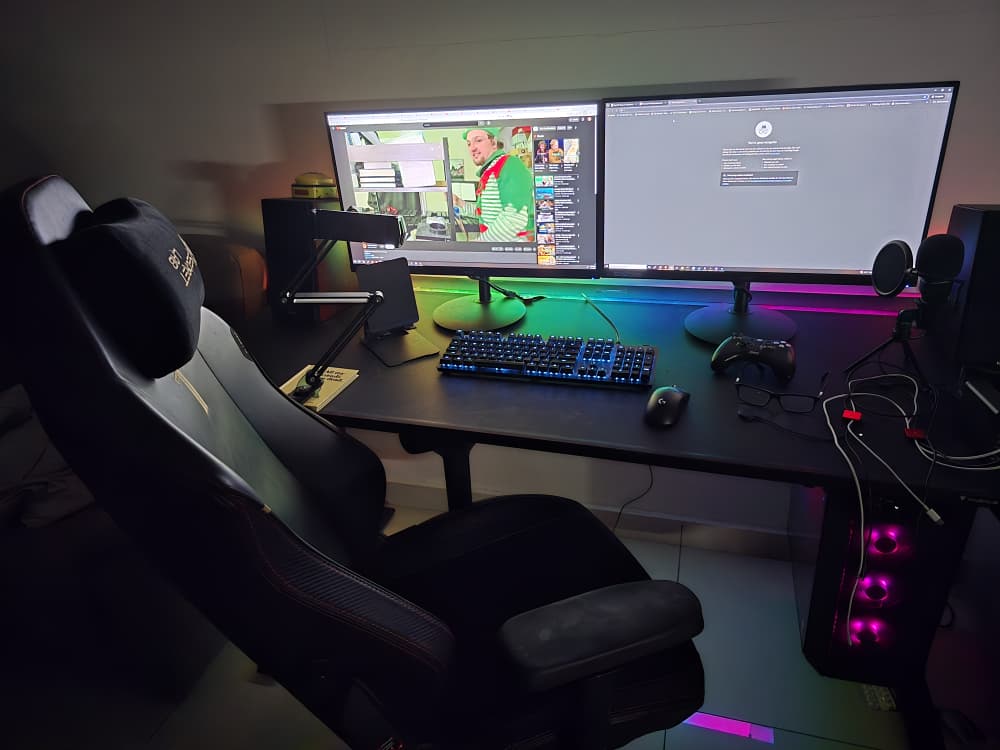
Working from home for an extended period changes how you think about a desk. Over time, small discomforts become impossible to ignore, and gear that looks good on day one either proves its value or quietly gets replaced.
This setup didn’t come together all at once. It evolved through daily use, long work sessions, and gradual adjustments, with each change made to remove friction rather than chase upgrades. Some choices stuck because they solved real problems; others only made sense after months of living with them.
What follows is a look at my current WFH desk setup, what I use, why each piece earned its place, and how they support different work modes throughout the day. Treat this as a practical reference, not a checklist: a real-world example of how a desk can grow into something stable, comfortable, and quietly dependable.
Pricing & affiliate disclosure:
Prices listed in this guide were checked on 01/01/2026 and may change over time. Some product links are affiliate links, which means this site may earn a small commission at no extra cost to you. All product selections are based on practical use cases and value, not sponsorship.
TL;DR (Quick Overview)
- This is a real, lived-in WFH setup built over time, not a one-shot upgrade
- Desk stability and chair comfort make the biggest long-term difference
- Dual monitors reduce mental load more than most peripheral upgrades
- Small things (power, mounting, audio) quietly improve daily comfort
- Best used as a reference, not a checklist
The Foundation: Desk & Chair
Secretlab Magnus Pro XL (Desk)
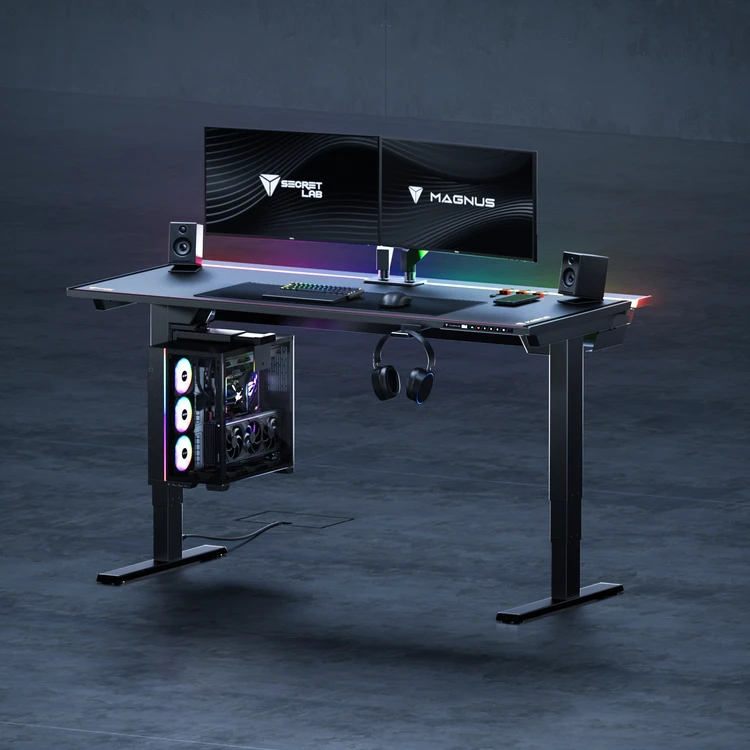
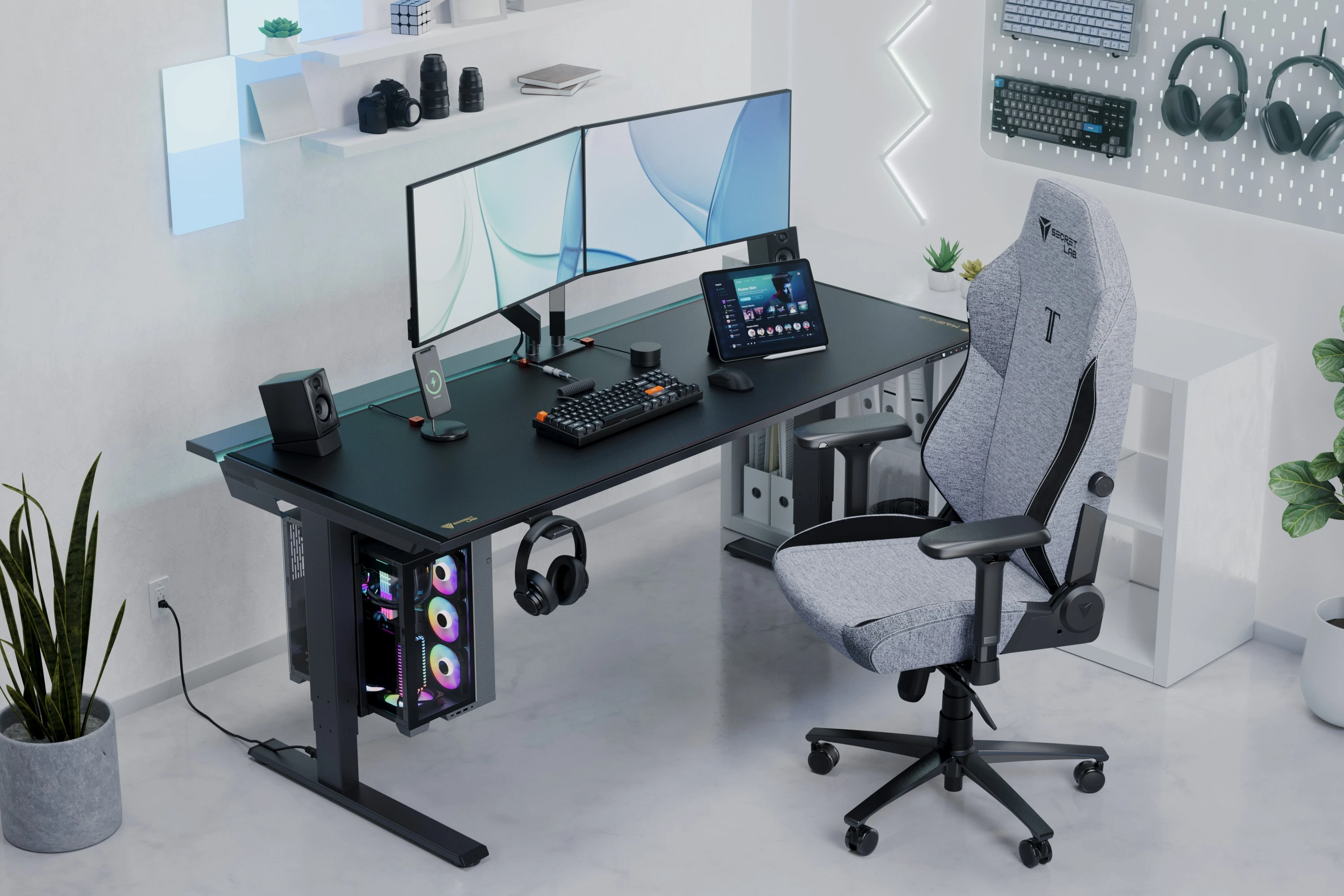
The desk is the backbone of the entire setup. The Secretlab Magnus Pro XL provides:
- Excellent stability (critical for dual monitors)
- Sit–stand height adjustability
- Integrated cable management that keeps the workspace clean
A stable desk solves problems before they appear—monitor wobble, messy cables, and constant posture adjustments simply don’t happen here.
Commentary: I used to use a simple desk, for the amount of time that I spent in front of the computer, it started to give me some issues. I did not assemble this myself as it was very heavy. The delivery guys offered to assemble it. The spec sheet says its 68kg.
Secretlab TITAN Evo 2022 Series - XL (Chair)
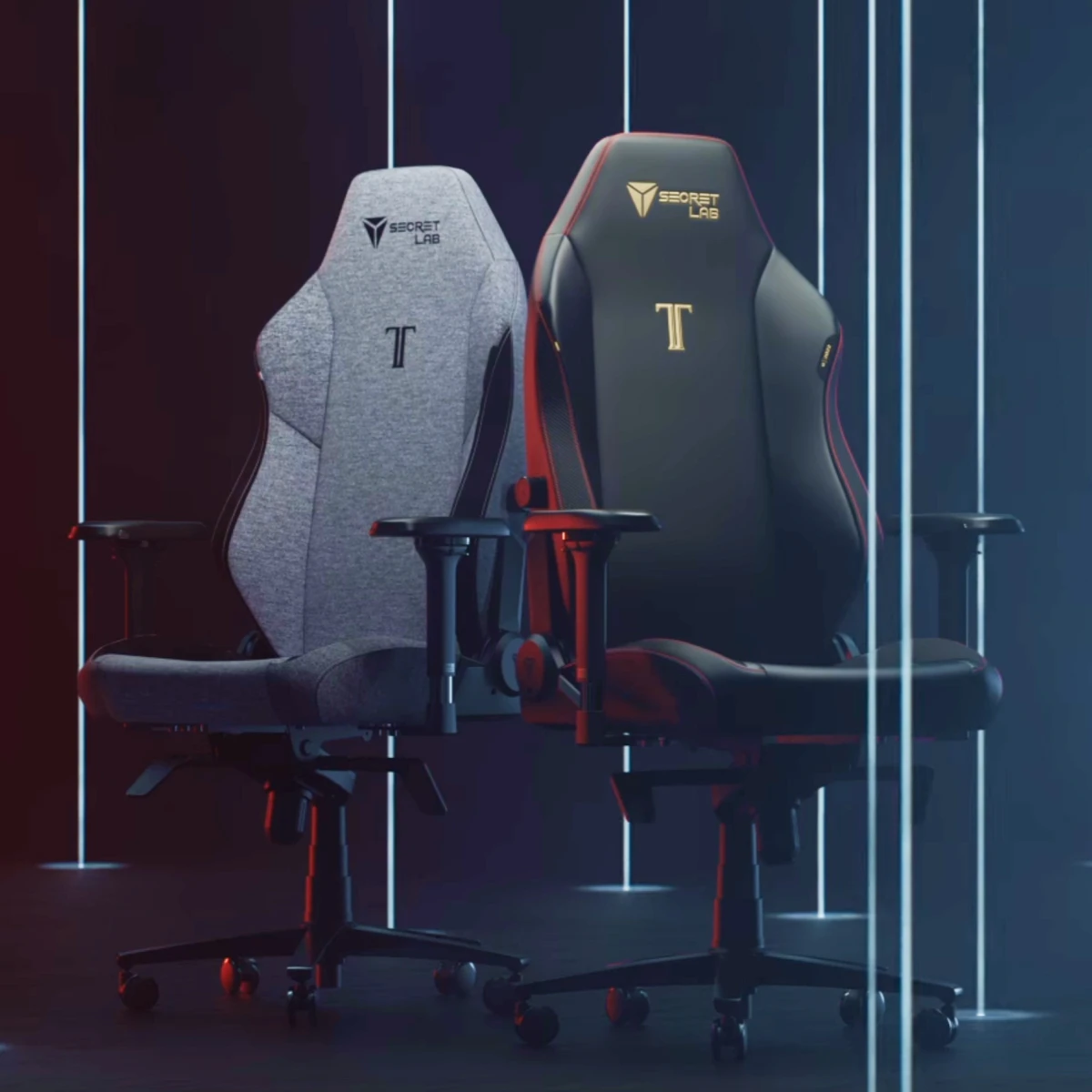
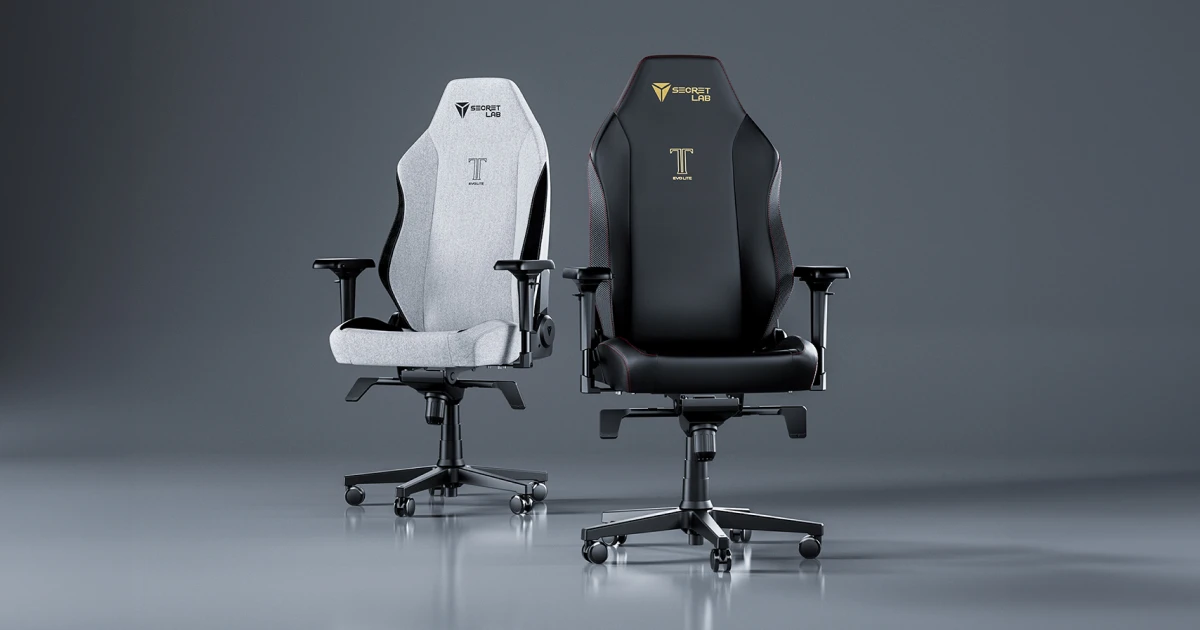
For long workdays, consistency matters more than softness. The Secretlab TITAN Evo 2022 Series - XL focuses on:
- Reliable lumbar support
- A firm but comfortable seat base
- Neutral posture without constant readjustment
Once chair comfort is solved, you stop thinking about the chair entirely, which is exactly what you want.
Commentary: John Wildsmith (furniture maker), once said: “You are either in your bed or in your shoes, so it pays to invest in both”. In my case, I spent a lot of time on my chair, I wouldn’t say its the best, but it solve my “issues”. For this I assemble it myself.
Visual Workflow: Dual Monitor Productivity
2 × Acer Nitro XV2
Running dual Acer Nitro XV2 monitors significantly improves daily workflow:
- One screen for focused primary work
- One for reference material, dashboards, or communication
- Fewer app switches, less cognitive fatigue
For writing, development, research, or multitasking-heavy roles, screen real estate is one of the highest ROI upgrades you can make.
Commentary: Its a good monitor (for me), and I can flip it vertically in case I need that extra performance boost in writing code.
Input Devices: Precision & Fatigue Reduction

Logitech Pro X Superlight 2 (Mouse)
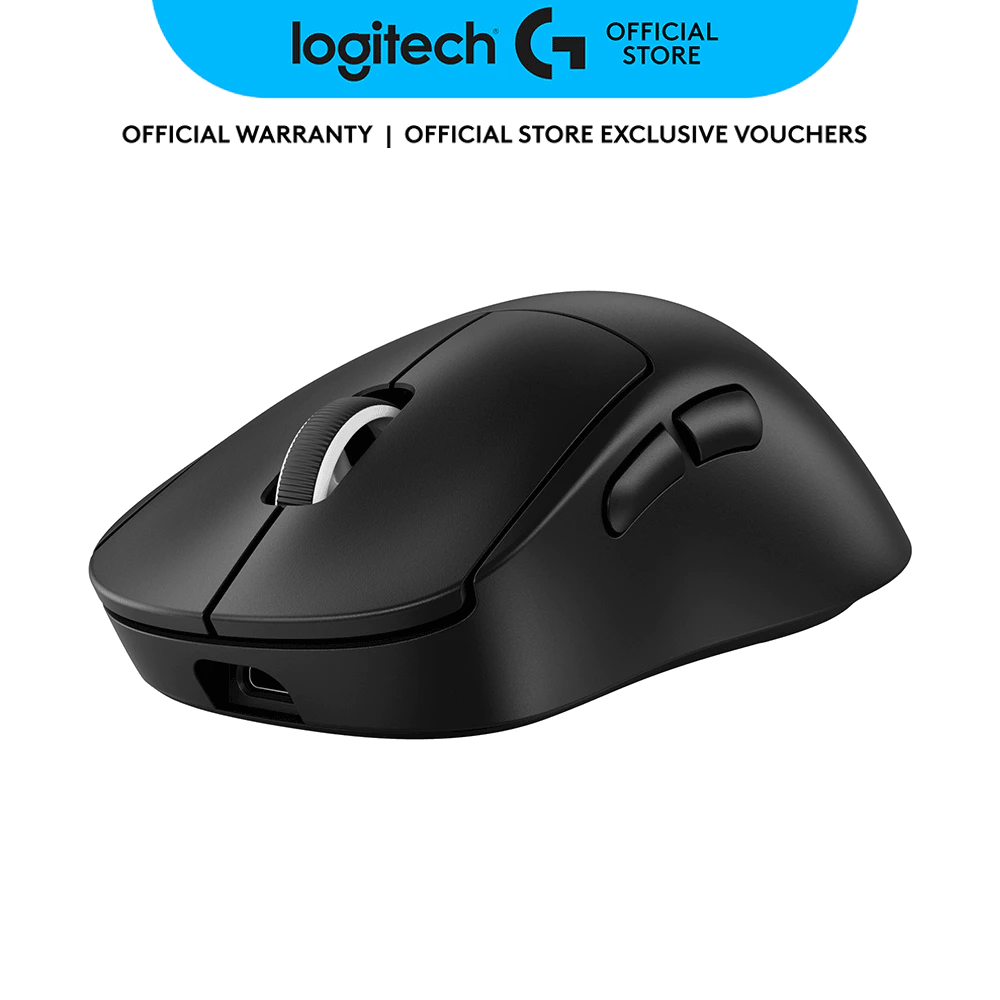
Logitech Pro X Superlight 2
Ultra-lightweight wireless gaming mouse featuring hybrid optical-mechanical switches, HERO 2 sensor with 32,000 DPI, and up to 95 hours battery life. Designed for professional esports performance.
RM579.00 · Shopee Malaysia
A lightweight mouse makes a bigger difference than most people expect:
- Reduces wrist strain during long sessions
- Excellent sensor accuracy
- Comfortable for both work and gaming
It quietly improves endurance over the course of a full workday.
Commentary: I have the previous version, and had issues with its switch because it uses entirely mechanical switch. This uses hybrid optical-mechanical switch, it is QUITE durable so far.
Logitech G512 (Keyboard)
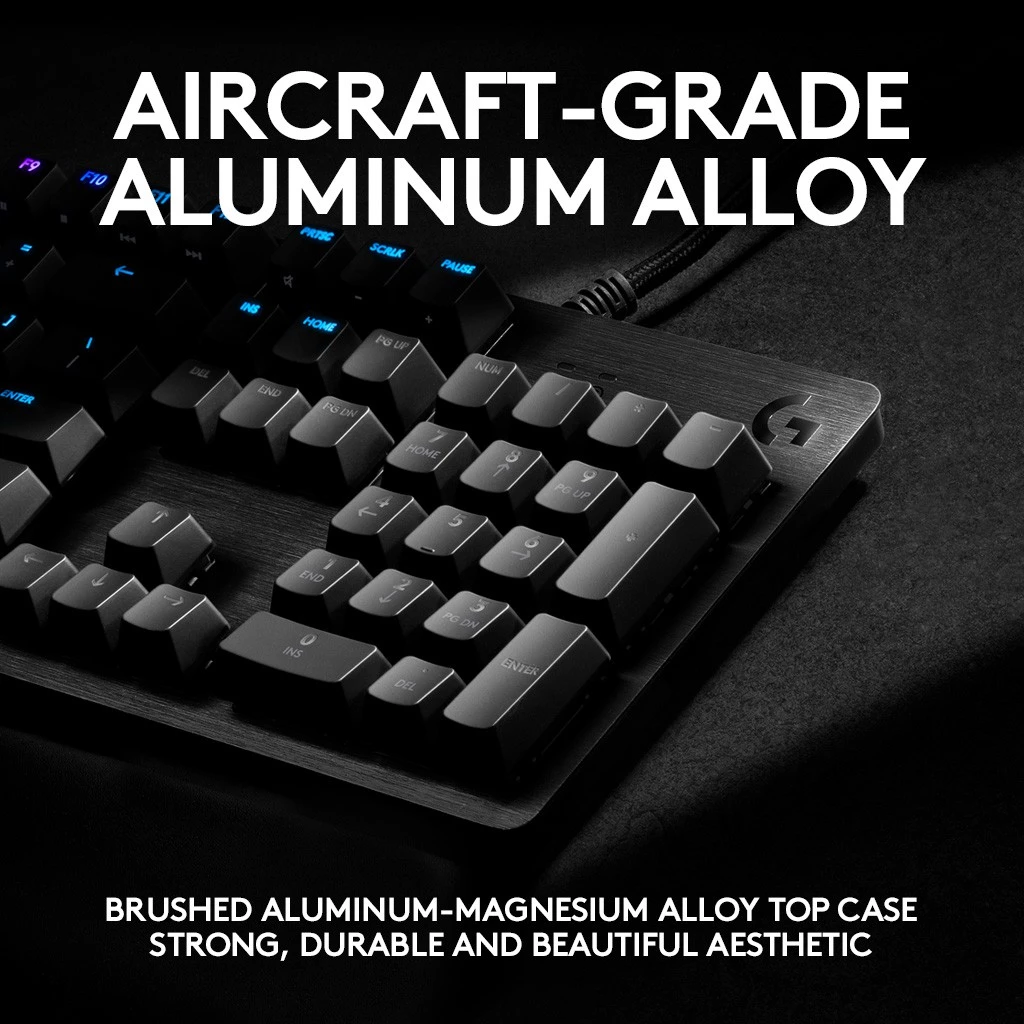
Logitech G512 Mechanical Gaming Keyboard
Full-size mechanical keyboard featuring GX Brown tactile switches, aircraft-grade aluminum alloy top case, customizable RGB LIGHTSYNC, and USB passthrough. Built for durability and precision.
RM349.00 · Shopee Malaysia
The G512 strikes a good balance between:
- Solid typing feedback
- Durability
- Minimal distractions
It’s dependable and predictable, ideal for long-form typing and daily productivity.
Commentary: It is, extra durable. I’ve spilled drinks on it a few times.
MSI FORCE GC30 (Controller)
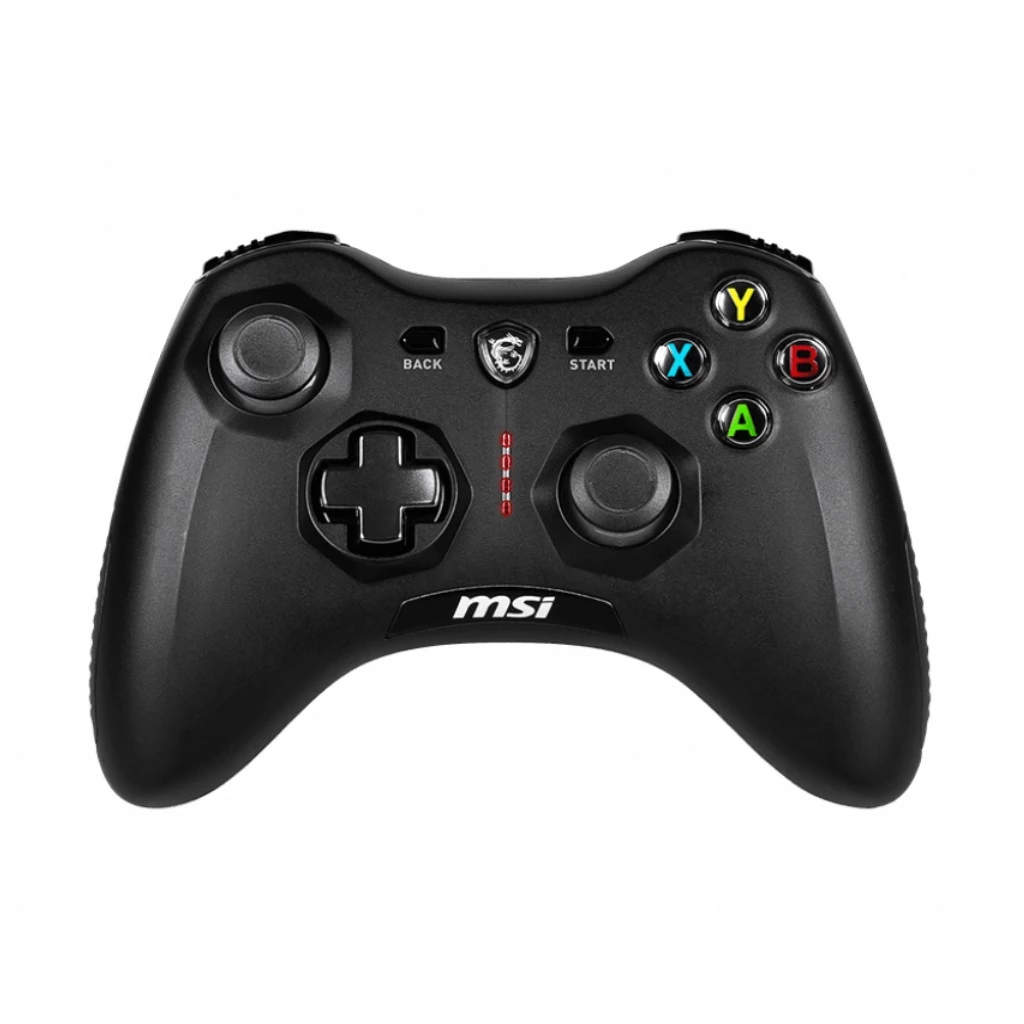
MSI FORCE GC30 Wireless Gaming Controller
Versatile wireless controller with dual connectivity (2.4GHz + Bluetooth), programmable buttons, vibration feedback, and up to 10 hours battery life. Compatible with PC, mobile, and gaming consoles.
RM269.00 · Shopee Malaysia
Not strictly a work tool, but useful for:
- Short gaming breaks
- Emulation or controller-friendly apps
Intentional breaks are part of a sustainable WFH routine, and having a controller nearby makes stepping away easier.
Audio: Focus, Calls, and Background Music
Edifier R2000DB (Speakers)
Good speakers change how a workspace feels:
- Clear audio for calls and meetings
- Full sound for music during deep work
- Reduces the need for headphones all day
Audio quality directly affects comfort and focus, especially in long sessions.
Commentary: This model has been discontinued.
Audio-Technica ATH-M50x (Headphones)
For moments that need isolation or precision, I rely on the ATH-M50x:
- Closed-back design helps block distractions
- Clear, accurate sound for focused listening
- Useful for late-night work, calls, or deep concentration
Commentary: I bought this 8 years ago and rarely use it nowadays, just for cases where I can’t use my speakers.
Power & Mounting: Small Items, Big Impact
Rocoren 200W USB-C Charger
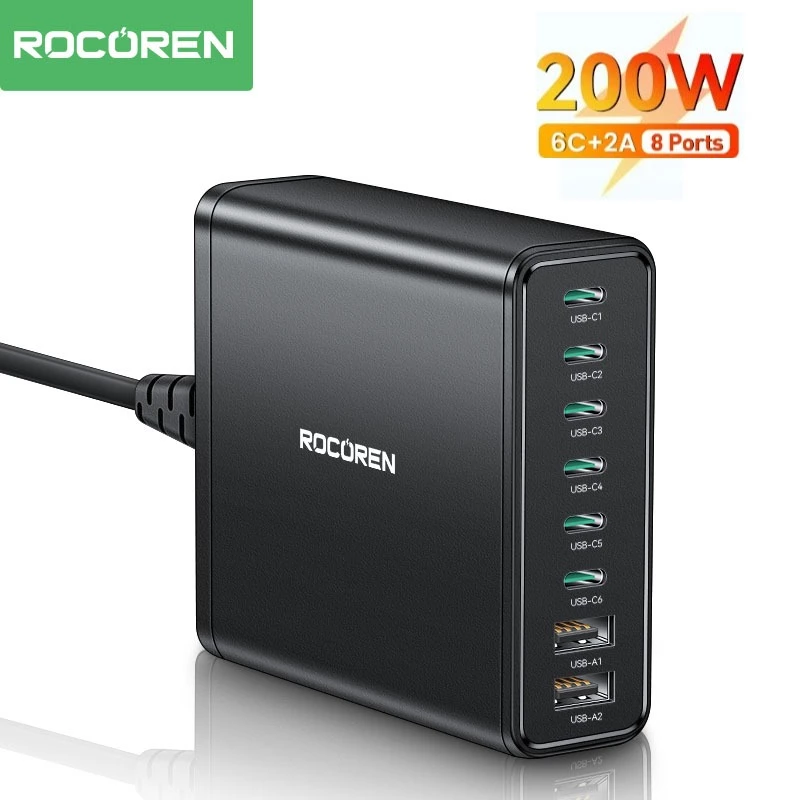
Rocoren 200W USB-C Charger 6-Port GaN Fast Charging Hub
High-power GaN charging hub with 6 ports (4× USB-C + 2× USB-A), supporting multiple devices simultaneously. Compact design with intelligent power distribution for laptops, tablets, and phones.
RM97.00 · Shopee Malaysia
This single charger simplifies the entire desk:
- Powers multiple devices at once
- Reduces cable clutter
- Reliable for laptops, peripherals, and accessories
Centralized power removes daily friction you don’t realize you’re dealing with.
Commentary: I need a proper charger, so far this gets the job done.
Ulanzi VIJIM HP001 (Phone / Tablet Holder)
Phone / Tablet holder are often overlooked, but they matter:
- Frees up desk space
- Allows precise height and angle adjustments
- Improves ergonomics without changing the desk
Once phone / tablet holder is floating, layout flexibility improves immediately.
Commentary: Beyond just holding my phone, I also use this as a webcam mount. The flexible arm positions my phone at eye level for video calls, delivering far better image quality than most laptop webcams. If you’re interested in this setup, I wrote a detailed guide on how to turn your phone into a pro webcam for under RM110.
Why This Setup Works as a System
This setup wasn’t built for aesthetics or brand alignment (except for the mouse and keyboard). It follows a progressive logic:
- Stability and posture (desk + chair)
- Visual ergonomics (monitor size and positioning)
- Input comfort (mouse and keyboard)
- Environmental quality (audio, power, cable management)
Each layer removes friction from the one before it. Nothing here exists “just because.”
Who This Setup Is For
This setup works well if you:
- Work from home daily or full-time
- Spend long hours at your desk
- Value comfort, consistency, and low friction
- Prefer gradual, intentional upgrades over constant replacements
It’s not minimal but it’s deliberate.
Final Thoughts
A good WFH setup should fade into the background. When your desk, chair, screens, and peripherals stop demanding attention, you’re free to focus on the work that actually matters.
This is my WFH setup, built gradually, used daily, and optimized for real-world use.
It solves my pain points, and I’m content with it.
Happiness is a fleeting moment, contentment is a state of enduring peace and satisfaction with one current’s situation.