

Ranked Budget Mice Under RM100 for WFH
These budget picks are ranked for comfort, performance, and productivity — ideal for work-from-home desktops and laptops.
In the Ultimate WFH Desk Setup, we highlighted a mouse that balances comfort and value for most users. This lists explains why that mouse was chosen and introduces other budget mouse alternatives under RM100—so you can pick what fits your workflow best.
Pricing & affiliate disclosure:
Prices listed in this guide were checked on 11/01/2026 and may change over time. Some product links are affiliate links, which means this site may earn a small commission at no extra cost to you. All product selections are based on practical use cases and value, not sponsorship.
| Rank | Model | Connection | Est. Price (MYR) | Best For |
|---|---|---|---|---|
| 1 | Logitech M331 Silent Plus | Wireless (2.4 GHz USB dongle) | RM64.50 | Quiet click experience and all-day comfort |
| 2 | Logitech M171 | Wireless (2.4 GHz USB dongle) | RM39.00 | Reliable plug-and-play for everyday WFH work |
| 3 | UGREEN Wireless Silent Mouse (MU600) | Wireless (2.4 GHz USB dongle) | RM31.90 | Extra navigation buttons for productivity |
| 4 | Dell MS3320W | Dual Wireless (Bluetooth + 2.4 GHz) | RM89.00 | Flexible multi-device connection |
| 5 | Logitech M100r Wired Mouse | Wired USB | RM26.99 | Simple wired plug-and-play, zero battery fuss |
| 6 | ASUS MW103 | Wired USB | RM69.00 | Light-use wired option on a tight budget |
| 7 | Cliptec RZS638 | Dual Wireless (Bluetooth + 2.4 GHz) | RM24.60 | Good for laptops and tablets |
| 8 | Logitech G102 Wired | Wired USB | RM76.00 | Precise sensor and customizable buttons |
| 9 | Razer DeathAdder Essential | Wired USB | RM92.00 | Ergonomic shape for extended use |
| 10 | ASUS TUF Gaming M3 | Wired USB | RM85.00 | Durable build with high DPI control |
Logitech M331 Silent Plus
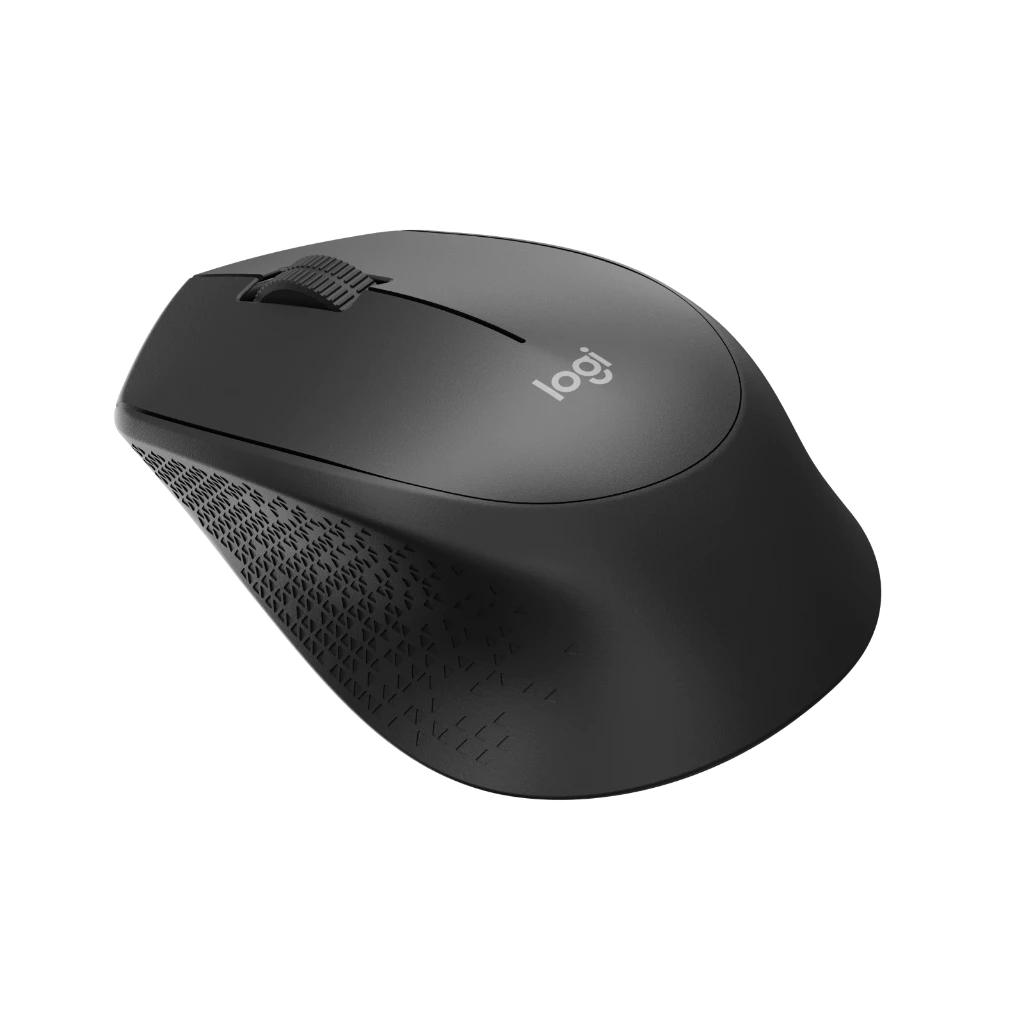
Logitech M331 Silent Plus
Wireless mouse with silent clicks, perfect for quiet work environments
RM64.50
Why it ranks #1
This is the most WFH-friendly mouse under RM100: quiet, comfortable, and reliable for long desk sessions.
Pros
- Near-silent clicks (great for Zoom & shared spaces)
- Comfortable, palm-friendly shape
- Excellent battery life
Cons
- Uses USB dongle only (no Bluetooth)
Best for
Writers, office workers, meetings, and anyone who hates noisy clicks
Official product page: Logitech M331 Silent Plus
Logitech M171
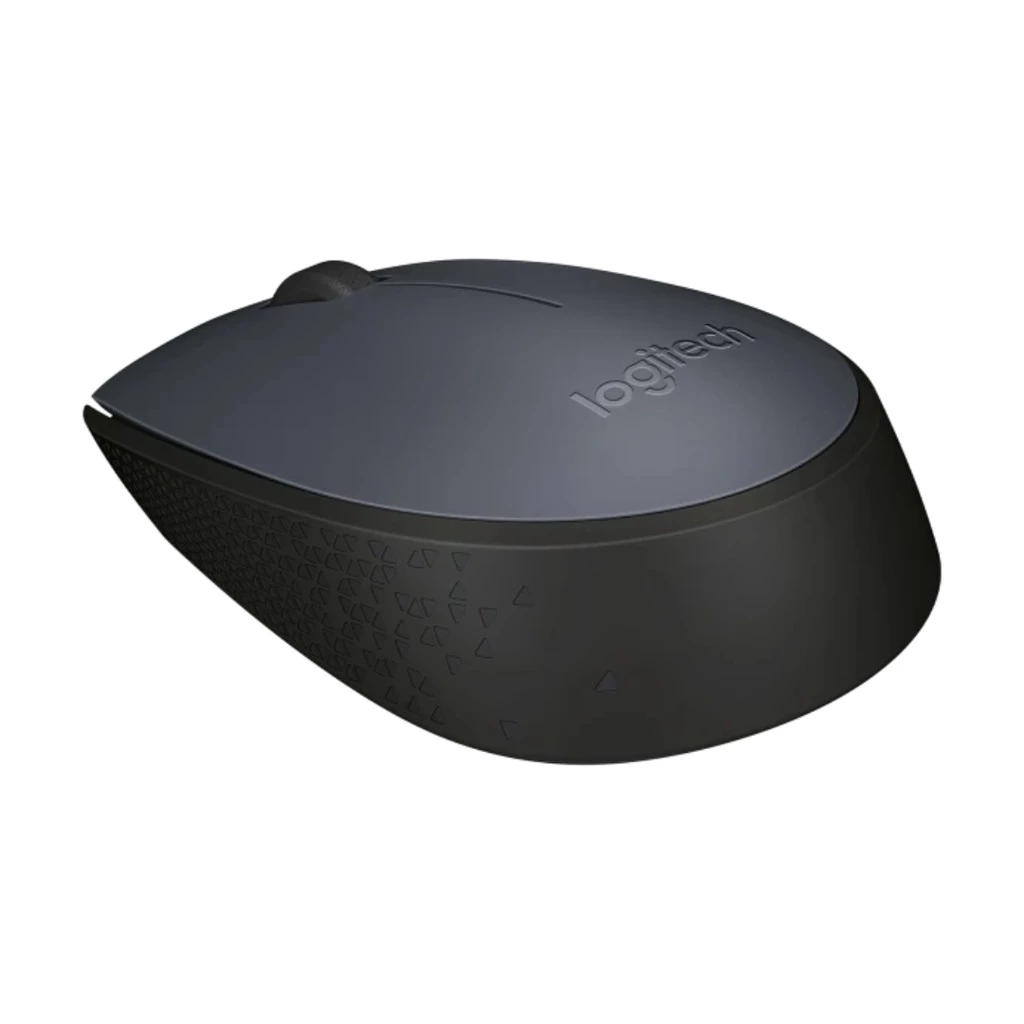
Logitech M171
Simple plug-and-play wireless mouse for everyday use
RM39.00
A no-nonsense wireless mouse that just works.
Pros
- Extremely simple plug-and-play
- Long battery life
- Widely available & cheap
Cons
- No silent buttons
- Very basic feature set
Best for
Everyday WFH tasks like emails, Google Docs, browsing
Official product page: Logitech M171
UGREEN Wireless Silent Mouse (MU600)
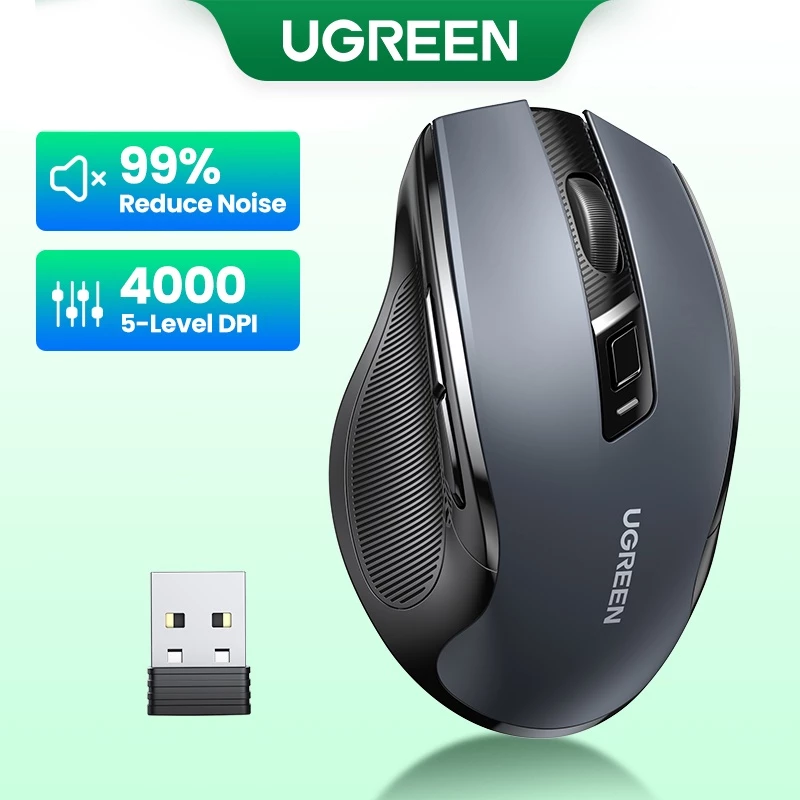
UGREEN Wireless Silent Mouse (MU600)
Productivity mouse with extra navigation buttons and silent clicks
RM31.90
A productivity-focused budget mouse with more controls than basic Logitech models.
Pros
- Back & forward buttons
- Quiet clicks
- Better build than generic mice
Cons
- USB dongle only
- Slightly heavier than Logitech M171
Best for
Multitasking, web navigation, and document workflows
Dell MS3320W
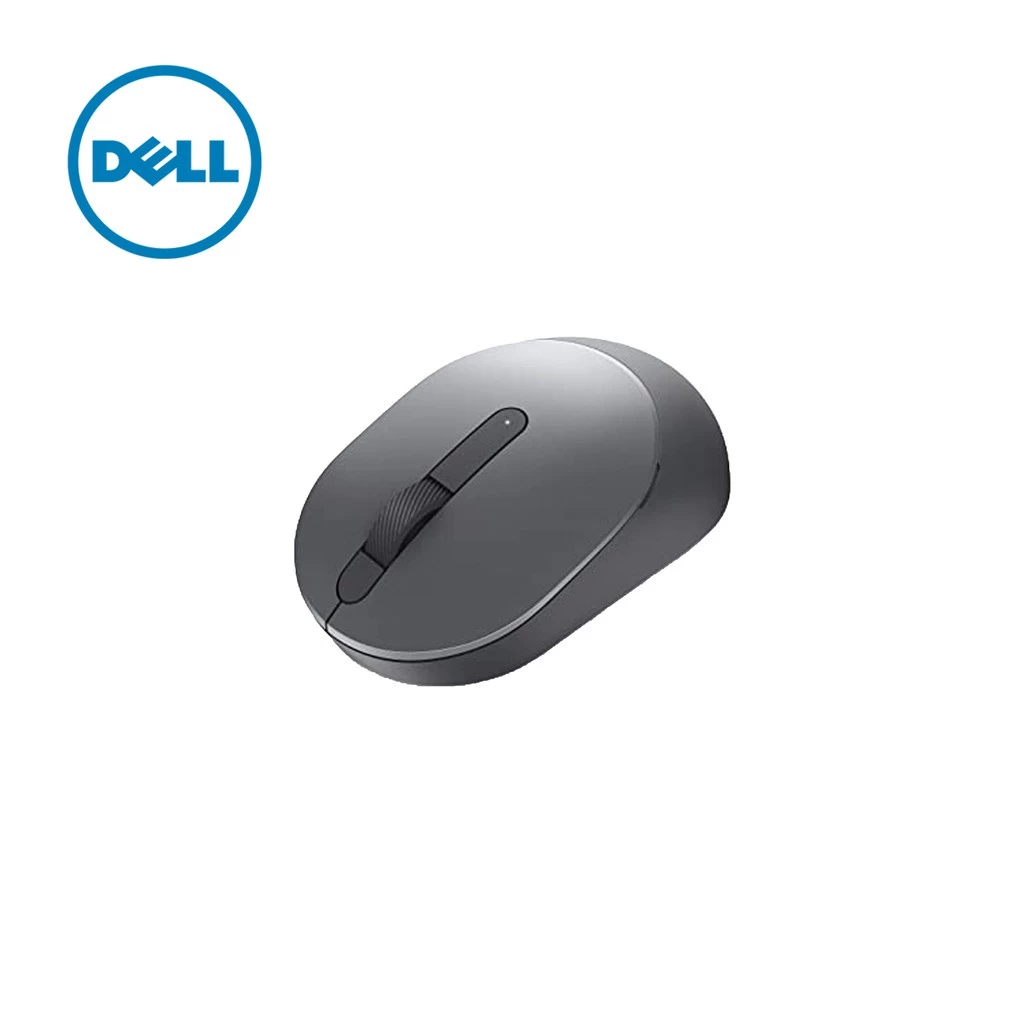
Dell MS3320W
Dual wireless mouse with Bluetooth and USB receiver support
RM89.00
The most flexible wireless option under RM100.
Pros
- Bluetooth + USB receiver
- Can pair with multiple devices
- Solid Dell build quality
Cons
- Close to the RM100 limit
- Not silent-click
Best for
Users switching between laptop, tablet & desktop
Logitech M100r (Wired)
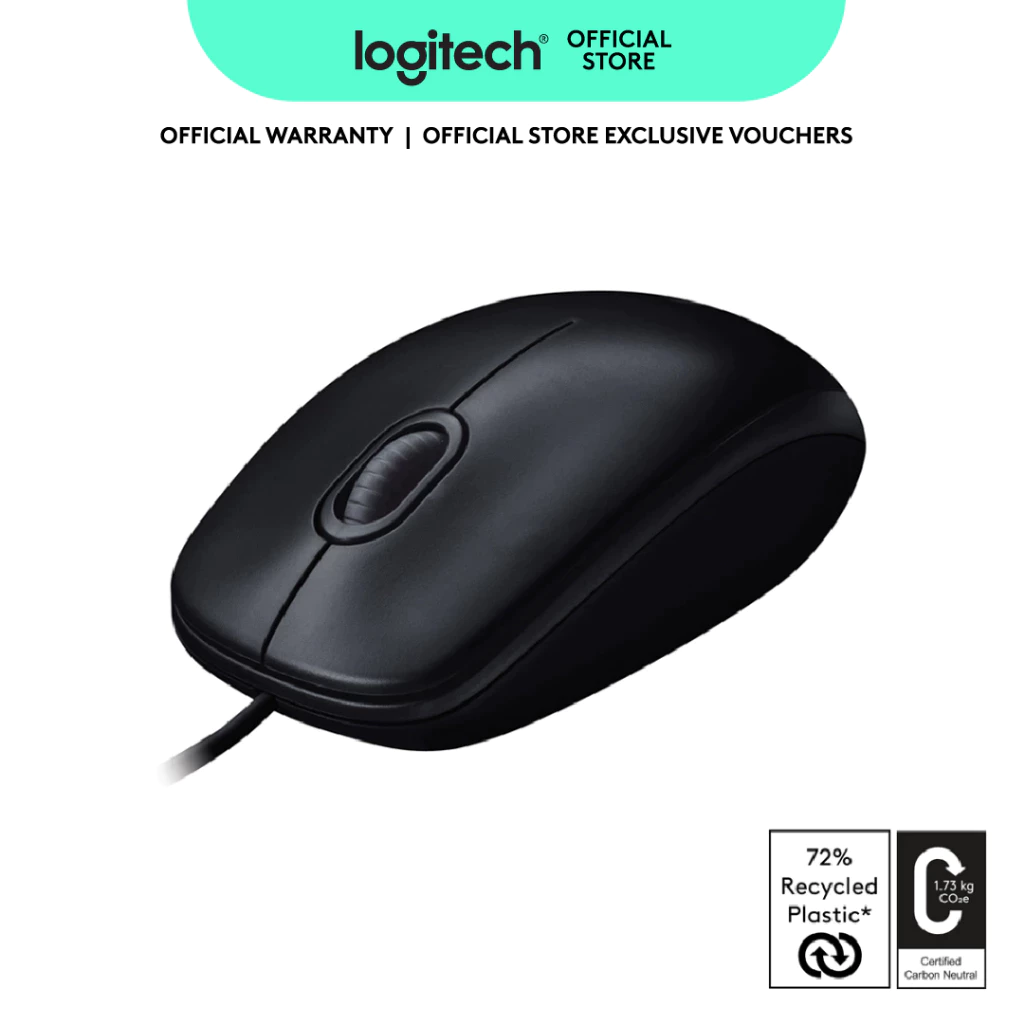
Logitech M100r Wired Mouse
No-maintenance wired mouse, plug-and-play simplicity
RM26.99
The ultimate “no-maintenance” mouse.
Pros
- No batteries
- Plug-and-play
- Very reliable
Cons
- Wired
- Basic shape
Best for
Fixed desk setups and desktops
ASUS MW103 (Wired)
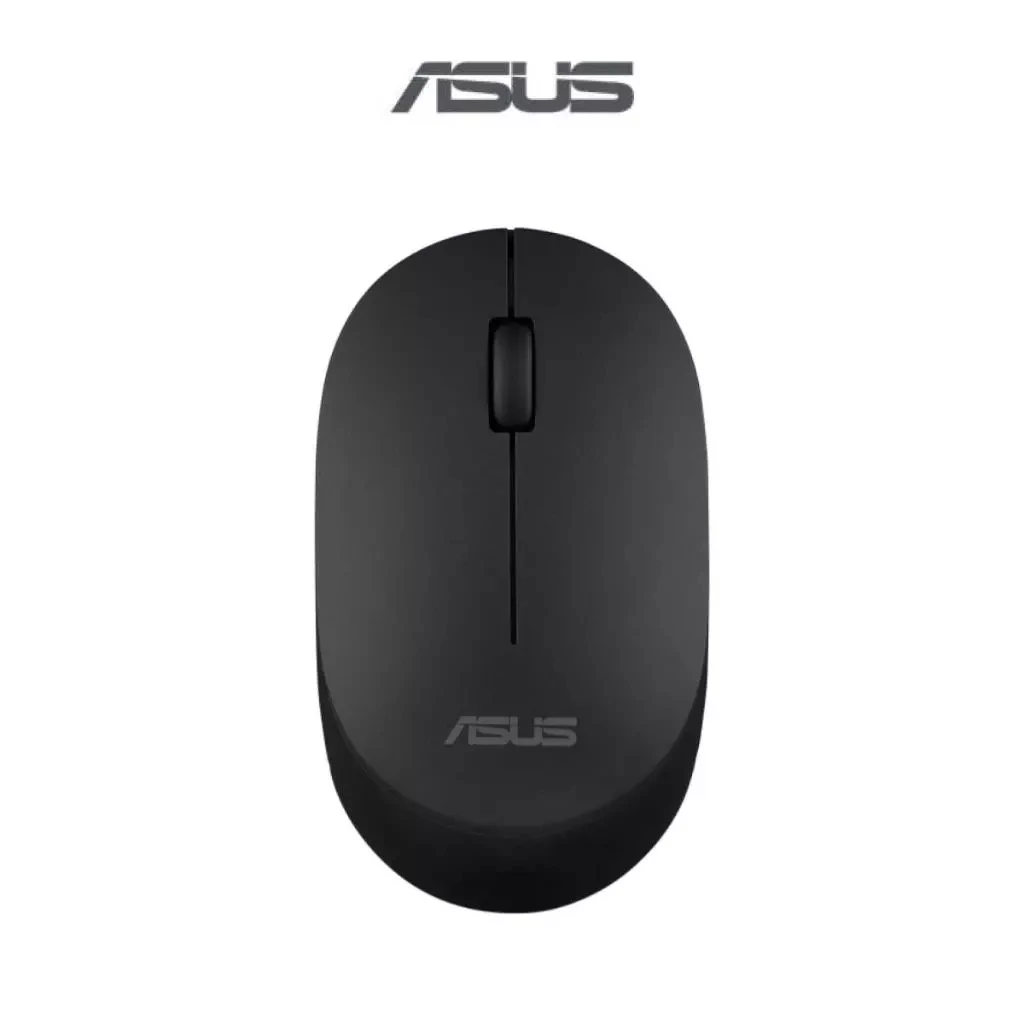
ASUS MW103 Wired Mouse
Extremely affordable wired mouse for basic use
RM69.00
One of the cheapest branded wired mice.
Pros
- Extremely low price
- Lightweight
- Simple & functional
Cons
- No extras
- Not built for long comfort
Best for
Students, secondary PCs, budget builds
Cliptec RZS638 (Dual-Mode Wireless)
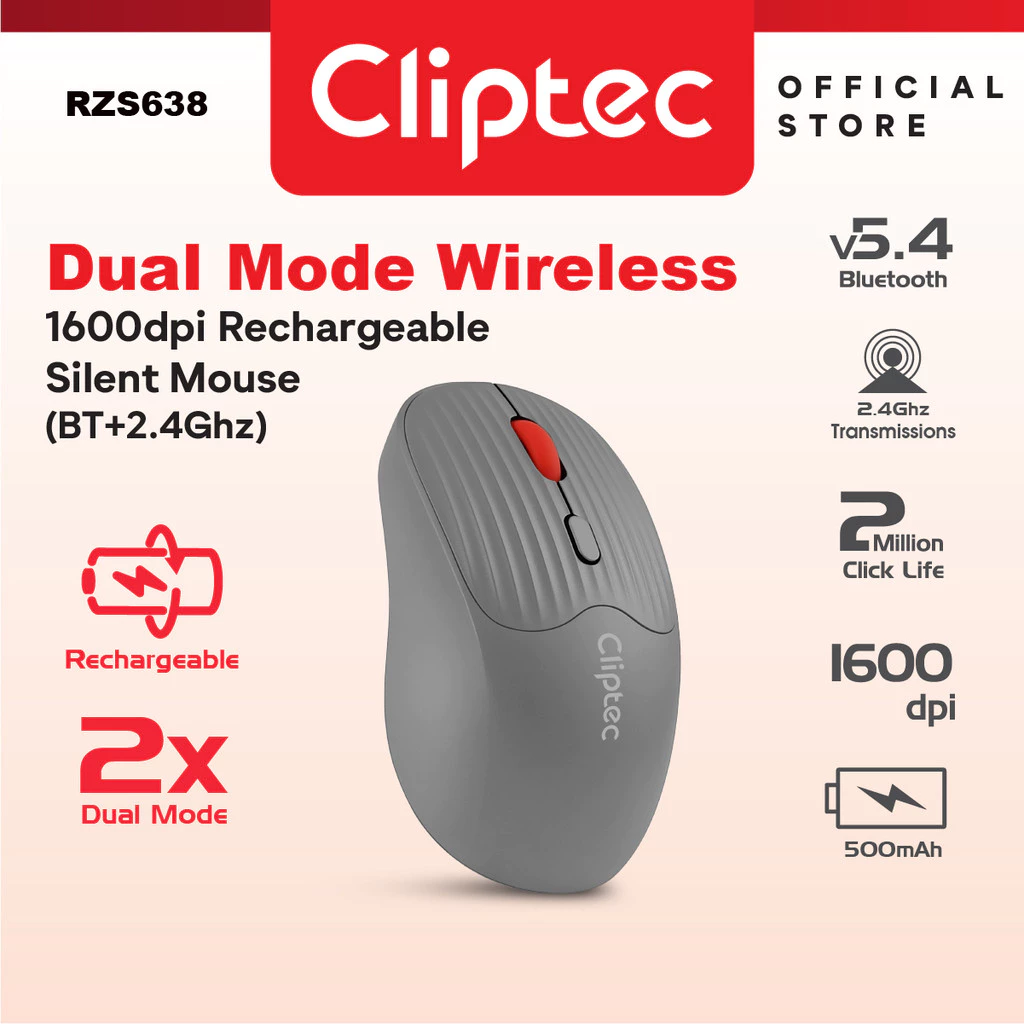
Cliptec RZS638
Rechargeable dual-mode wireless mouse with Bluetooth and USB dongle
RM24.60
The budget Bluetooth option.
Pros
- Bluetooth + USB dongle
- Rechargeable (no AA batteries)
- Compact & portable
Cons
- Build quality not premium
- Sensor not as refined as Logitech
Best for
Laptops, tablets, portable WFH setups
Official product page: Cliptec RZS638
Logitech G102 Wired
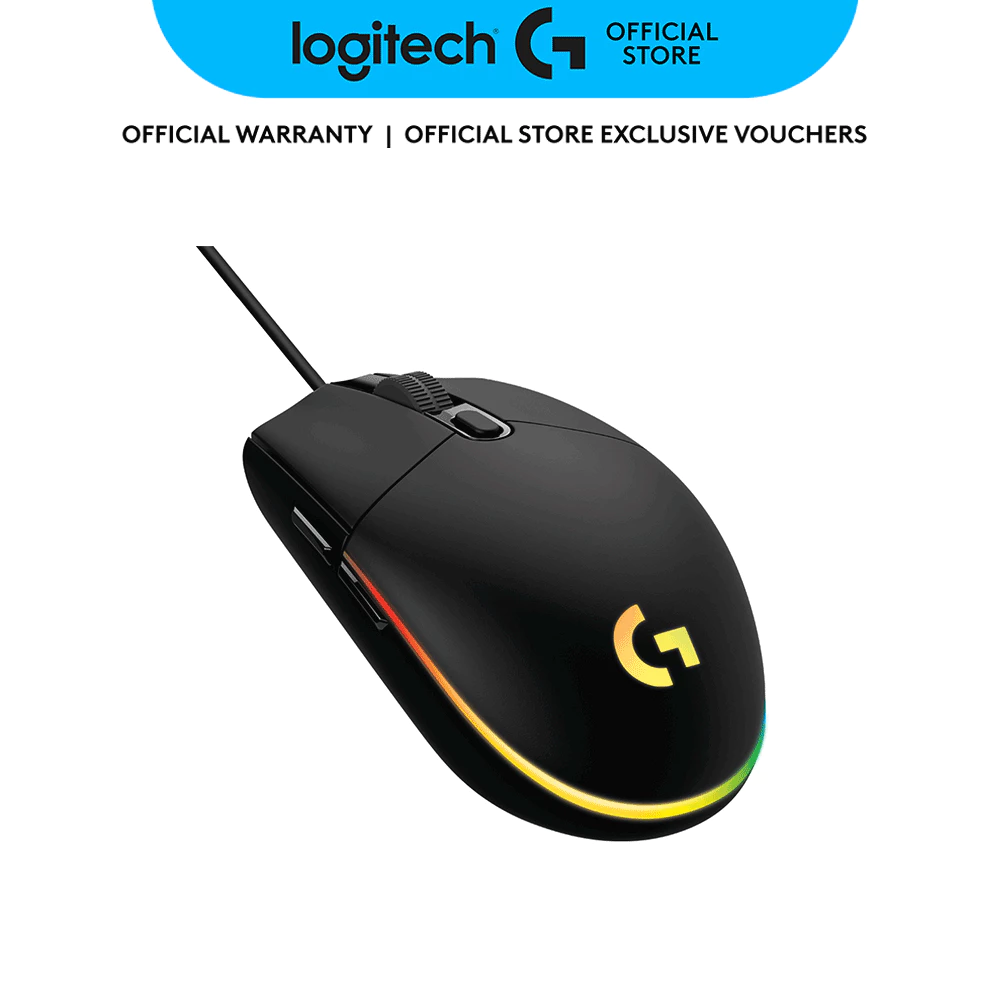
Logitech G102 Wired
Gaming-grade sensor with customizable buttons for precision work
RM76.00
A gaming-grade sensor at a budget price.
Pros
- Very accurate tracking
- Customizable buttons via software
- Lightweight
Cons
- Wired
- Gaming look
Best for
Precise cursor control, spreadsheets, designers
Razer DeathAdder Essential
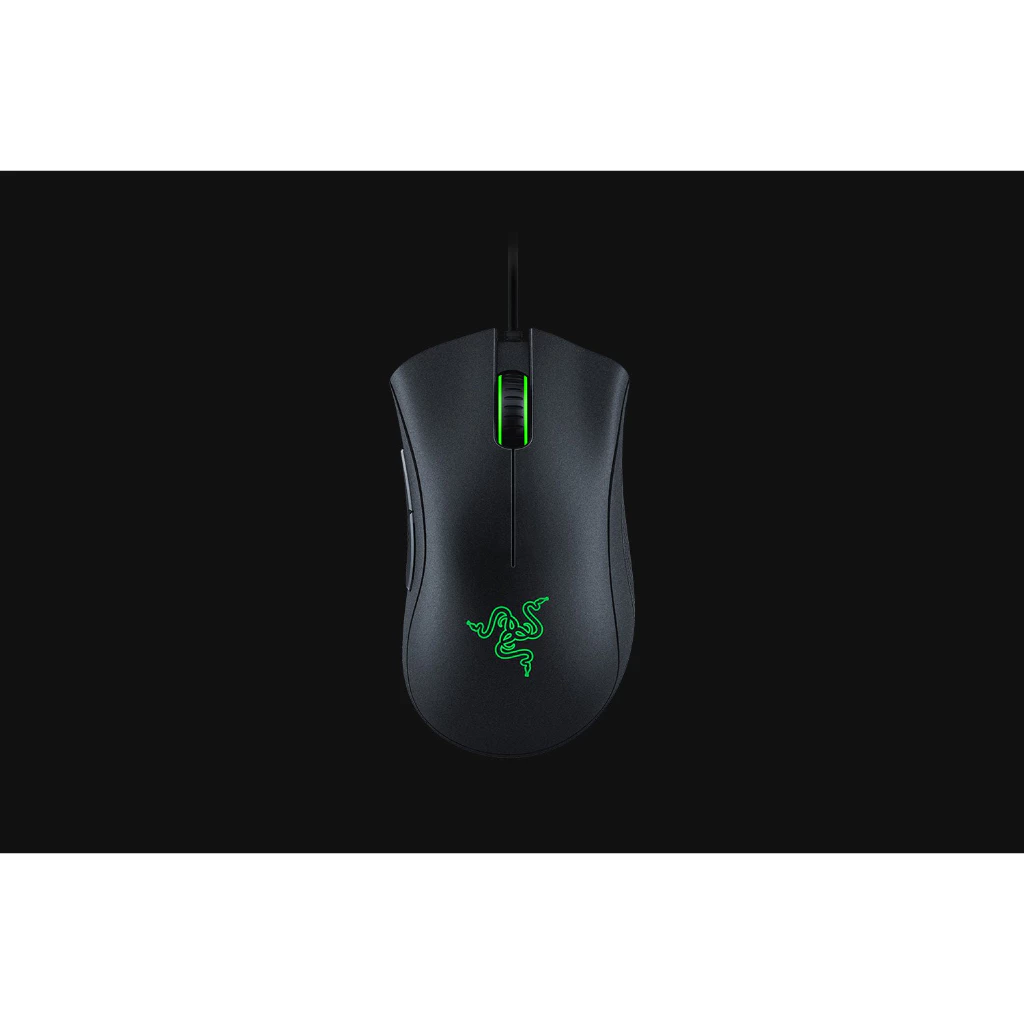
Razer DeathAdder Essential
Ergonomic gaming mouse designed for extended comfort
RM92.00
Comfort-first mouse with a high-quality sensor.
Pros
- Ergonomic shape
- Good tracking
- Great for long sessions
Cons
- Wired
- Large for small hands
Best for
Long WFH days where comfort matters
ASUS TUF Gaming M3
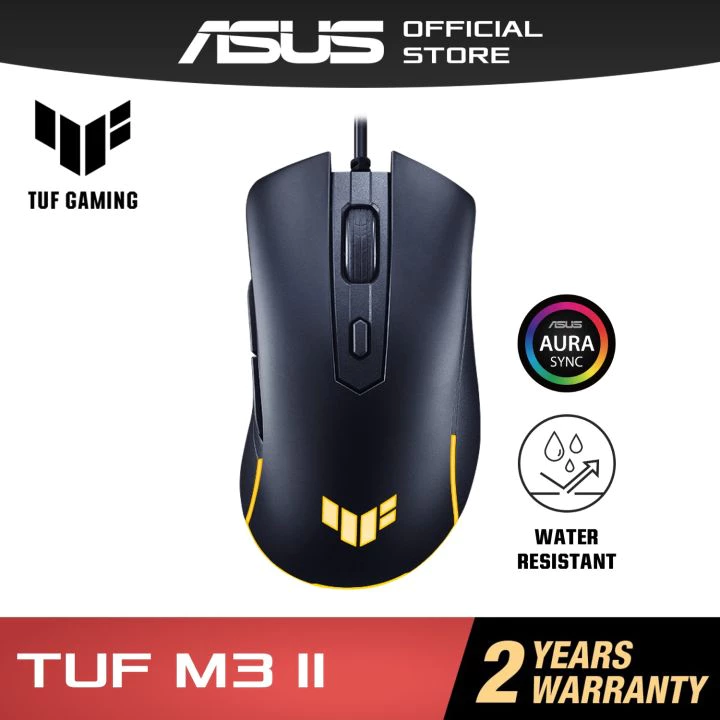
ASUS TUF Gaming M3
Rugged gaming mouse with adjustable DPI and durable build
RM85.00
A rugged, high-DPI budget performer.
Pros
- Durable build
- Adjustable DPI
- Smooth tracking
Cons
- Wired
- Gaming aesthetics
Best for
Users who want durability + responsive tracking under RM100
Quick Picks by Work Style
| WFH User Type | Best Recommendation |
|---|---|
| Priority on Quiet Work | Logitech M331 Silent Plus |
| Reliable Everyday Use | Logitech M171 |
| Productivity with Extra Buttons | UGREEN MU600 |
| Multi-Device (Laptop + Tablet) | Dell MS3320W or Cliptec RZS638 |
| Zero Battery Hassle | Logitech M100r |
| Cheapest Wired Option | ASUS MW103 |
| Precision Tasks | Logitech G102 |
| Comfort + Ergonomics | Razer DeathAdder Essential |
| Adjustable DPI & Tough Build | ASUS TUF Gaming M3 |
Technical Specifications Comparison
| Model | Connection | Power | DPI / Sensor | Buttons | Silent Clicks | Size & Grip | Notable Features |
|---|---|---|---|---|---|---|---|
| Logitech M331 Silent Plus | 2.4 GHz USB dongle | 1× AA battery | ~1000 DPI optical | 3 | ✅ Yes | Medium, palm | Quiet clicks, long battery life |
| Logitech M171 | 2.4 GHz USB dongle | 1× AA battery | ~1000 DPI optical | 3 | ❌ No | Small–medium, ambidextrous | Simple plug-and-play |
| UGREEN MU600 Silent | 2.4 GHz USB dongle | Rechargeable | ~1600 DPI optical | 5 | ✅ Yes | Medium, ergonomic | Back/forward buttons |
| Dell MS3320W | Bluetooth + 2.4 GHz | 1× AA battery | ~1600 DPI optical | 3 | ❌ No | Medium, ergonomic | Multi-device switching |
| Logitech M100r | Wired USB | USB powered | ~1000 DPI optical | 3 | ❌ No | Medium, ambidextrous | Zero maintenance |
| ASUS MW103 | Wired USB | USB powered | ~1000 DPI optical | 3 | ❌ No | Small–medium | Ultra-budget |
| Cliptec RZS638 | Bluetooth + 2.4 GHz | Rechargeable | ~1600 DPI optical | 4 | ❌ No | Compact | Dual-mode, portable |
| Logitech G102 | Wired USB | USB powered | 200–8000 DPI optical | 6 | ❌ No | Small–medium | Very precise sensor |
| Razer DeathAdder Essential | Wired USB | USB powered | 6400 DPI optical | 5 | ❌ No | Large, ergonomic | Comfortable for long use |
| ASUS TUF Gaming M3 | Wired USB | USB powered | Up to 7000 DPI optical | 6 | ❌ No | Medium, claw/palm | Rugged build |
Conclusion
I moved long past ultra-cheap mice because I spend many hours a day working at my desk, and in the past I developed wrist strain from poor ergonomics and stiff, poorly shaped mice (or maybe incompatible grip styles with a mouse). That experience changed how I evaluate a mouse comfort and consistency now matter more than raw specs.
However, not everyone wants to spend RM300–RM600 on something like a Logitech Pro X Superlight, especially when even expensive mice can fail due to issues like mechanical switch double-clicking. That’s why budget models today are far more interesting than they used to be. You can now get decent sensors, lightweight designs, and even silent switches under RM80.
In this list, mice like the Logitech M331 stand out because they reduce finger and wrist fatigue through quiet, soft clicks — something you only start to care about after long workdays. The Dell MS3320W is a better fit for people who switch between a laptop and a desktop, while models like the Logitech G102 and Razer DeathAdder Essential offer much more precise tracking for users who want a more responsive cursor feel without paying gaming-mouse prices.
Budget mice won’t last forever, but today they’re cheap enough that you can choose based on how you work rather than just the lowest price — and that’s what makes this category worth paying attention to again.
Frequently Asked Questions — Budget Mice for WFH (Under RM100)
Is a RM50–RM100 mouse good enough for work-from-home?
Yes. For WFH tasks like emails, documents, web browsing, and meetings, a RM50–RM100 mouse from a reputable brand (Logitech, Dell, UGREEN, ASUS) provides accurate tracking, good ergonomics, and reliable wireless performance. You do not need a gaming mouse for productivity.
Is wireless or wired better for WFH?
For most WFH setups, wireless is better because it removes cable clutter, works well with laptop docking, and keeps the desk clean. Wired mice are still great if you want zero battery maintenance and use a fixed desktop workstation.
Why is the Logitech M331 Silent Plus ranked #1?
The Logitech M331 is ranked #1 because it combines silent clicks, a comfortable hand shape, long battery life, and reliable Logitech sensor performance. It is the closest budget alternative to the Logitech Signature M650 used in the Ultimate WFH Desk Setup hub.
What is the difference between Logitech M331 and M171?
| Feature | M331 | M171 |
|---|---|---|
| Click sound | Silent | Normal |
| Comfort | Better shape | Basic |
| Price | Slightly higher | Cheaper |
| Target user | Office workers | Casual users |
Choose M331 if you care about quiet and comfort. Choose M171 if you want the cheapest reliable wireless mouse.
Is Bluetooth better than a USB dongle?
Bluetooth is better if you use laptops or tablets and switch between devices. USB dongles are better if you want maximum stability and use a desktop PC. That’s why Dell MS3320W and Cliptec RZS638 are included for multi-device users.
Are gaming mice good for work?
Yes — some gaming mice are great for work. Models like Logitech G102, Razer DeathAdder Essential, and ASUS TUF M3 offer more precise sensors and better tracking, which helps with Excel, design tools, and precise cursor control.
Why isn't Logitech Signature M650 included in this list?
This article is strictly for mice under RM100. The Logitech Signature M650 is used in the Ultimate WFH Desk Setup hub because it offers better ergonomics, smart scrolling, silent buttons, and higher build quality.
Is a silent mouse really important for WFH?
Yes. Silent mice like the Logitech M331 and UGREEN MU600 prevent microphone click noise during calls, reduce distraction in shared rooms, and keep your workspace quieter.
Which budget mouse is best for laptops and tablets?
Choose a dual-mode mouse such as the Dell MS3320W or Cliptec RZS638. These support Bluetooth and USB so you can switch between laptop, tablet, and desktop easily.
Do I need high DPI for office work?
Not necessarily, but better sensors help. High-DPI mice like the Logitech G102 and ASUS TUF M3 provide smoother tracking and more precise movement, especially useful on large monitors and detailed work.
Which mouse here is closest to a premium WFH mouse?
The Logitech M331 Silent Plus is the closest budget alternative to the Logitech Signature M650 because both focus on quiet clicks, office ergonomics, and all-day comfort.